
Most powerful knowledge management solutions

Solu Digital provides knowledge management and analysis models for today’s complex businesses.

Microsoft Copilot

Copilot, an artificial intelligence assistant developed by Microsoft, enhances your work with Microsoft products by proposing and automating solutions for various tasks

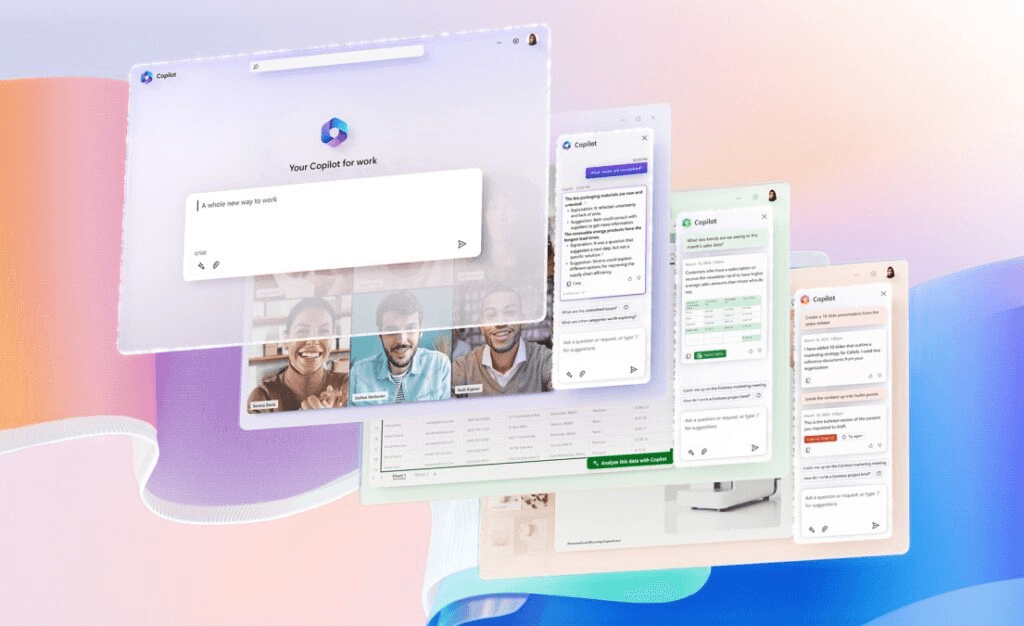
Microsoft’s Copilot is an artificial intelligence assistant integrated into Microsoft products. It helps users complete tasks faster and more creatively, makes suggestions and automates routine tasks. Microsoft’s goal with Copilot is to make working smarter and smoother.


Various AI assistants include, for example, Copilot for Microsoft 365, which integrates with Microsoft 365 applications, and Dynamics 365 Copilot, which helps with customer management and business analytics. There are already over a hundred different Copilots, and their number is growing at a fast pace.


The AI assistant is already or is about to be widely used in Microsoft applications, thus enhancing the work of information workers, customer service and sales professionals, data analysts, information security experts, and IT solution developers.


If your organization needs a comprehensive framework for utilizing AI and Copilot, also check out: AI to support decision-making and business development and AI in Business Development workshop series


Boost your business performance and competitiveness with smart AI tools:

Microsoft’s Copilots

More than a hundred different versions of Copilots are already in use, enhancing the use of different Microsoft programs according to the employee’s role and tasks:

Microsoft Copilot

Microsoft Copilot is the so-called free basic version of the product intended for use by private individuals.

With Microsoft Copilot, you can search for answers to questions, create different text content, get ideas, and help plan work.

The AI ​​assistant can also help you create, test, and debug code faster in different programming languages, while it helps you check and fix errors in code, optimize code performance and quality, and document code clearly and comprehensibly.

Microsoft 365 Copilot

Microsoft 365 Copilot is a virtual artificial intelligence assistant integrated into Microsoft 365 applications that helps you create different types of content easily and quickly. It is part of a Microsoft 365 subscription that you can start using right away.

The AI bot uses artificial intelligence and machine learning to analyze the data and files you use and suggest suitable content, designs, images, and other elements. The application constantly learns from you and other users and thus improves its own performance and accuracy.

The AI assistant is available in several languages, such as Finnish, English, Swedish, German, French, Spanish, and Italian.

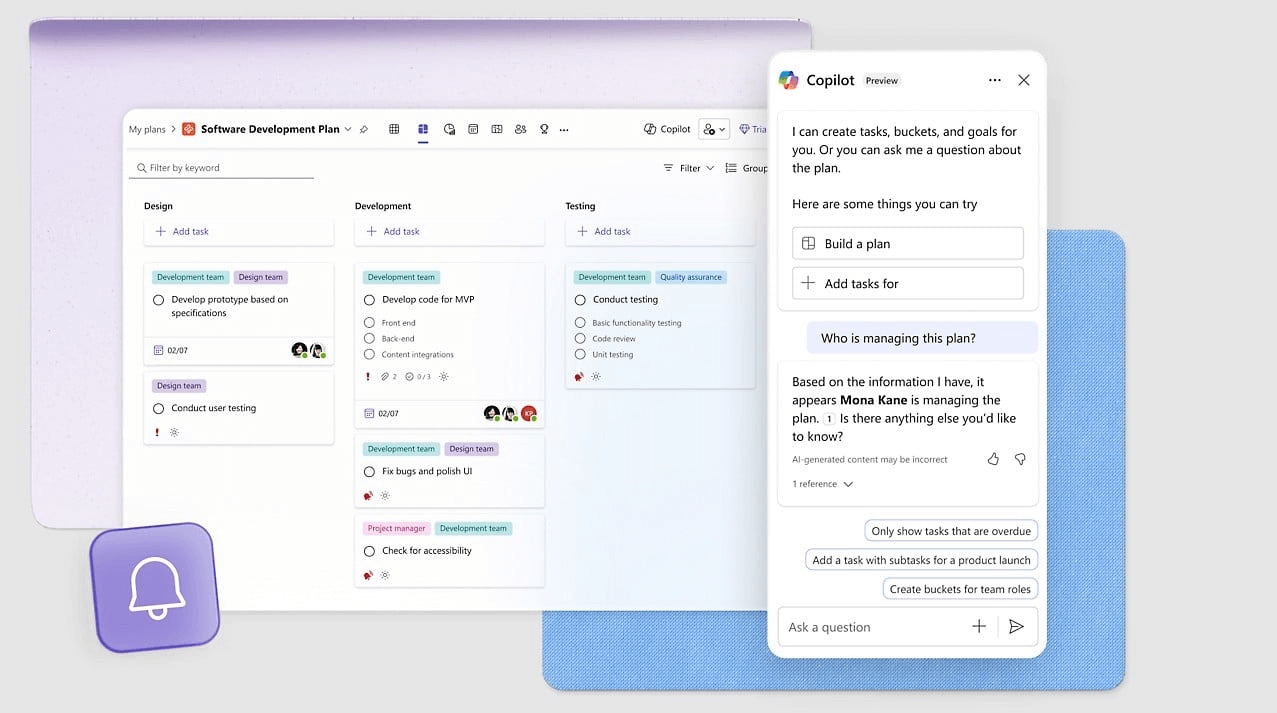
In Teams, Copilot can remind you of upcoming meetings and events in Teams and manage them. It can also join the meeting, take notes, and send you a summary.

Copilot can answer your questions, give you tips and suggestions, and perform actions in Teams for you, such as sending files to meeting participants. In addition, it can utilize AI features such as translation, speech synthesis, and natural language understanding to help you communicate in different languages.

Copilotin käyttö Microsoft Teamsissä tehostaa työskentelyä tiedon jäsentämisessä, viestinnässä ja tehtävien hallinnassa.

In the Outlook application, Copilot helps you format your emails clearly and professionally for different situations to deliver your messages to the recipients effectively. Artificial intelligence also enables you to categorize and prioritize your emails, reminding you of unanswered or important messages.

In addition, Copilot helps you manage your calendar and communications by tracking emails related to calendar events and keeping you informed of changes or cancellations.

Copilotin käyttö Outlookissa tehostaa työskentelyä sähköpostien hallinnassa, tehtävien seurannassa ja kokousten suunnittelussa.

In Word, Copilot gives you suggestions, feedback, and corrections as you write. When you choose the type of writing, the goal, and the target audience, Copilot suggests suitable beginnings, endings, and titles, among other things, and checks the grammar and spelling of your writing.

Copilot saves time and effort and improves your writing skills as you learn from its suggestions and feedback. In addition, the quality of your writing improves when the application ensures that your text is clear, understandable, interesting, error-free, and appropriate.
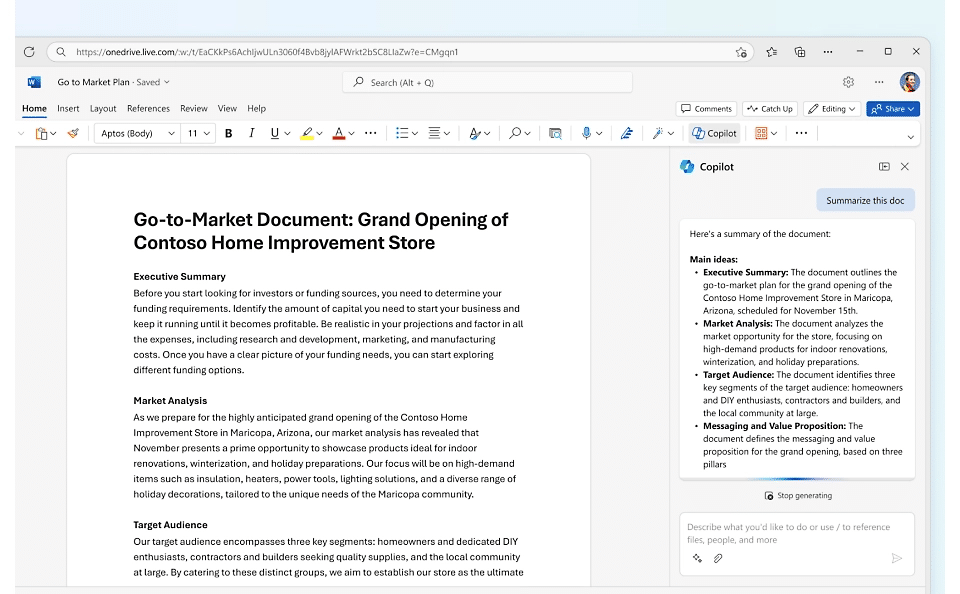
Copilotin käyttö Microsoft Wordissa tehostaa työskentelyä sisällön luonnissa, muokkauksessa ja hallinnassa .

In Excel, Copilot can help you take advantage of its many features, such as creating calculation formulas and functions, Pivot tables and charts, formatting and arranging tables and cells, and adding charts, images, and smart data types.

With Copilot, you can efficiently filter, sort, group, analyze, and summarize data to save time.
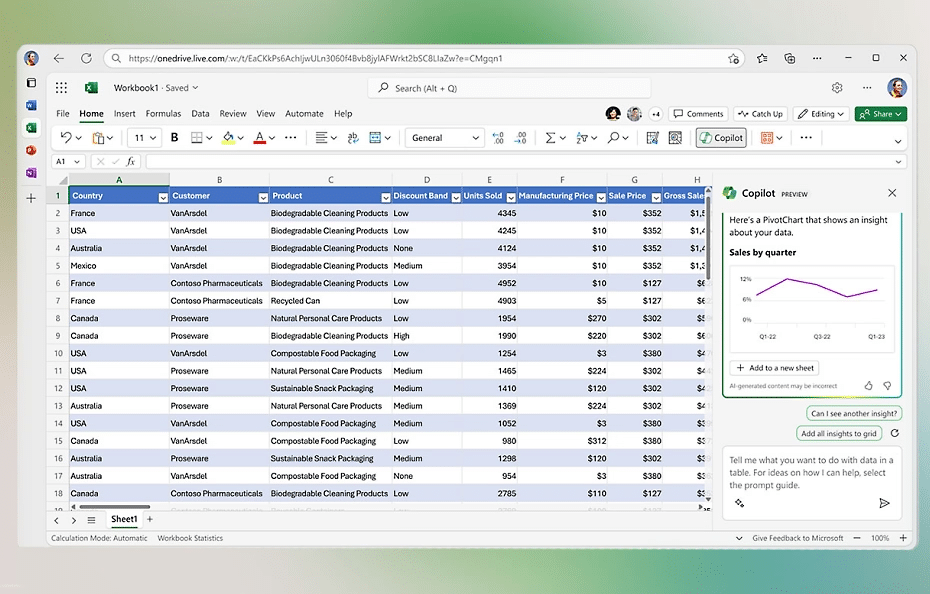
Copilotin käyttö Microsoft Excelissä tehostaa työskentelyä datan analysoinnissa, kaavojen automatisoinnissa ja raporttien luonnissa.

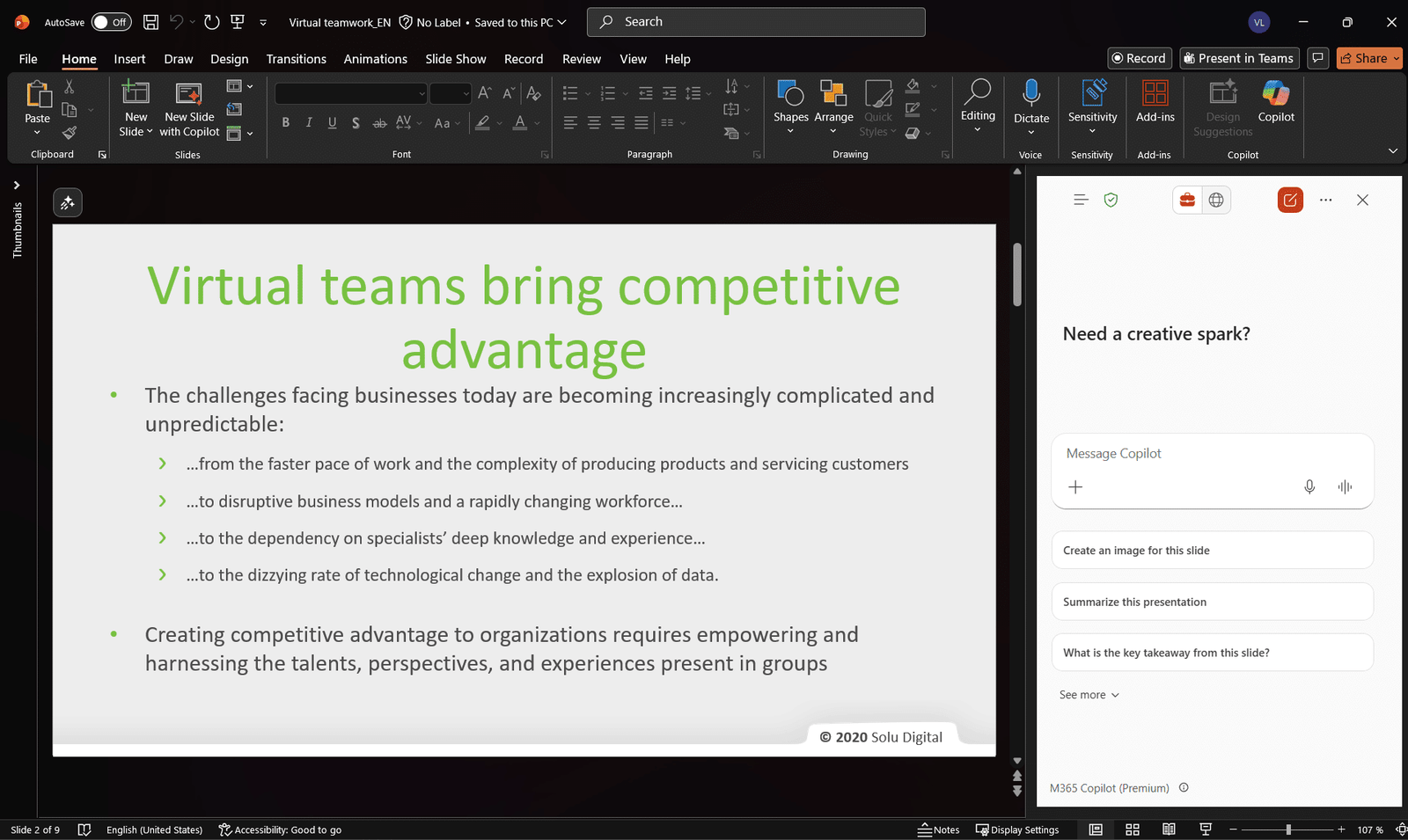
Copilot can automatically generate visually impressive and content-rich slides in PowerPoint based on your script. You can also edit your slides with Copilot using its intelligent suggestions for graphics, colors, fonts, animations, and transitions.

The AI ​​assistant is also able to analyze and improve the quality and expression of your speech during the slide show.
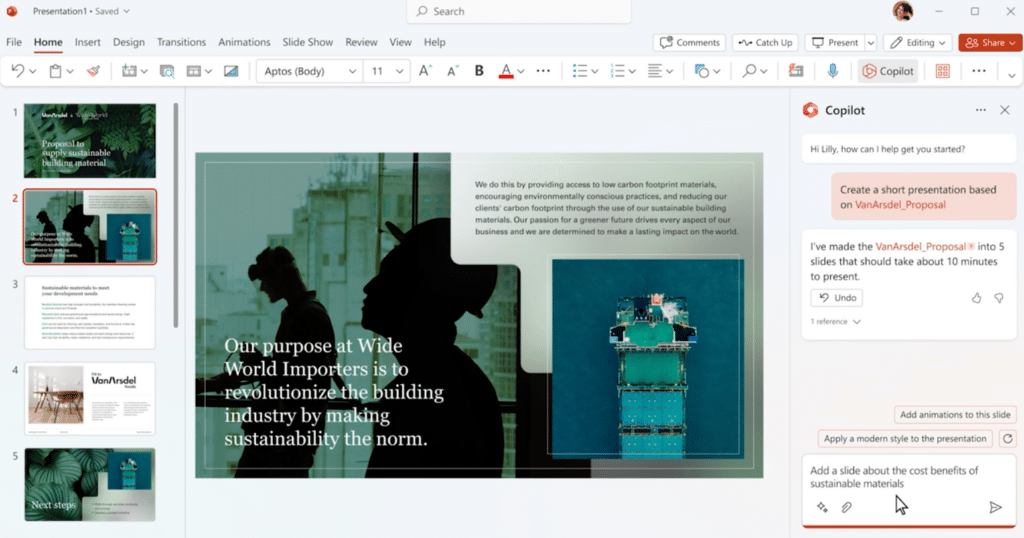
Copilotin käyttö Microsoft PowerPointissa tehostaa työskentelyä esitysten luonnissa, visuaalisessa suunnittelussa ja sisällön rikastamisessa.

Microsoft Copilot

Copilot can automatically generate visually impressive and content-rich slides in PowerPoint based on your script. You can also edit your slides with Copilot using its intelligent suggestions for graphics, colors, fonts, animations, and transitions.

The AI ​​assistant is also able to analyze and improve the quality and expression of your speech during the slide show.

Deploy Copilot smoothly to meet your needs

We help your organization to implement the deployment of Copilot and the utilization of artificial intelligence that meets the needs of your organization according to the various stages:

Solu Digital’s experts support you to ensure that the implementation of the solution happens smoothly and easily.

Read how AI supports innovation, decision-making and process development: AI to support decision-making and business development

Learn about practical workshops to kick-start your organization’s AI journey: AI in Business Development workshop series

Our customers' experiences

Check out our customer stories

Read more articles by our experts

Agile software development

Software requirements specification is often a long and costly process, when in fact there are only a handful of key features in a successful application.

Manage your SharePoint-environment like a pro

SharePoint environment should be grown with caution. Proactive behaviour, good dialog with partners, transparency and clear division of responsibilities ensure the quality of the end result.

Office 365 Groups Revisited

Microsoft will re-invent productivity and business process to help businesses coping with explosion of digital systems and data.

Leading developer of digital teamwork