- / Services
- / Copilot training to support the introduction of artificial intelligence
Trainings
We implement training tailored to our customers, and infomercials based on customer needs. Alongside training, we also create instructional videos and documents to fit the customer’s environment. We tailor our training entirely based on the customer’s situation and requirements, and arrange training from traditional training days to online training and demonstrations.
Copilot training to support the introduction of artificial intelligence
Our Copilot training helps users learn how to utilize artificial intelligence to make their work more efficient.
Microsoft’s Copilot, an artificial intelligence-based assistant, has been implemented in Microsoft applications. It enhances the work of information workers, customer service personnel, salespeople, data analysts, information security experts, and IT developers.
With Copilot, companies can achieve better results and quickly adapt to changes, staying competitive and constantly evolving. In addition, Copilot can be used to develop new products and services more efficiently. in the market. In addition, Copilot can be used to develop new products and services more efficiently.

Boost your own work and increase efficiency by using AI-powered tools that free up time and reduce the number of manual tasks with Copilot AI assistants:
- improving productivity with smart suggestions and automation
- speeding up decision-making by analyzing large amounts of data quickly and accurately
- improving the quality and consistency of documents through automatic editing
- reducing errors by automating complex tasks
- saving time and resources and improving employee satisfaction by reducing the number of repetitive manual tasks
- increasing flexibility by integrating with many tools
- increasing innovation and creativity by freeing up time for strategic thinking and development
Microsoft 365 Copilot
Microsoft 365 Copilot is a virtual AI assistant included in Microsoft 365 applications that helps you create different types of content easily and quickly. It is part of your Microsoft 365 subscription, and you can use it immediately.
Copilot analyzes your data and files using artificial intelligence and machine learning, suggesting suitable content, formatting, images, and other elements. The app constantly learns from you and other users, improving its performance and accuracy.
Copilot and Microsoft Planner with premium features
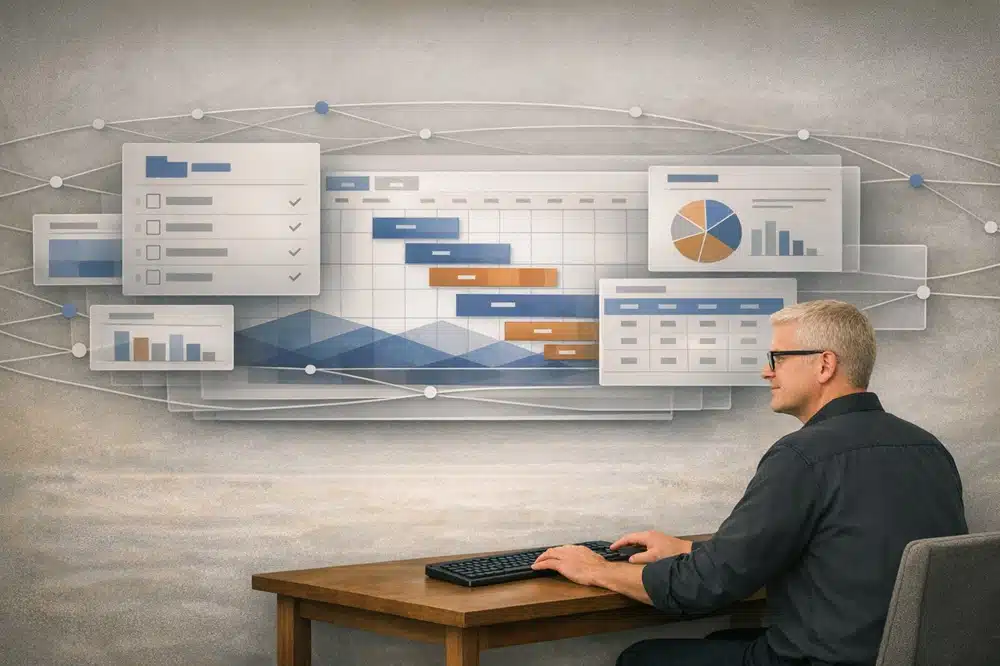
Copilot integrates with Microsoft Planner with premium features, providing smart tools to improve project management. This reduces manual work and improves the performance of the entire team.
Thanks to Copilot, users can easily use natural language commands to create new plans, tasks, and schedules. The artificial intelligence that analyzes the project’s state gives suggestions for optimizing tasks and changing schedules as the project progresses. In addition, Copilot detects potential risks and bottlenecks, offering solutions to avoid them.
Tailored Copilot training for utilizing artificial intelligence
With customized Copilot training, your organization’s Microsoft 365 users learn to take advantage of the possibilities offered by artificial intelligence assistants. The training sessions focus on the most important features and functionality that Copilot assistants offer in Microsoft 365 programs.
Our Microsoft-certified trainers offer training in both face-to-face and remote meetings.
Our practical training sessions help users utilize artificial intelligence in their work tasks and improve their own work with Microsoft 365 programs.
The structure and content of the training events are planned and implemented as you wish, such as:
- As half-day training sessions, the participants get to practice with the help of practical assignments.
- In the form of workshops, where the implementation and familiarization of the organization’s Copilot are planned together to suit business needs.
- As small clinics and remote support for using Copilot.
- With the design and implementation of clear training materials such as videos, written instructions, and instructional articles to support users’ work in the long term.
The content of the Copilot training and its subject areas
Our training can include different subjects that can be combined according to your needs, such as:
Copilot training: an introduction to utilizing artificial intelligence
- Familiarization with the terms and tools of artificial intelligence
- Information security and protection issues and copyright aspects related to generative artificial intelligence
- The possibilities of utilizing the organization’s own data
- The possibilities of using artificial intelligence in different functions of the organization
Copilot training: an introduction to using Copilot
-
Copilot architecture
- Copilots, their differences and similarities
- APIs and plugins
- SharePoint Advanced Management
- The capabilities of Microsoft Purview privacy labels and policies -
Microsoft Copilot for Microsoft 365
- Publication channel for licenses and Microsoft 365 - Microsoft Copilot deployment controls
Copilot training: an overview of Microsoft 365 Copilot
- Copilot in Teams
- M365 Chat as a daily assistant
- Copilot in Word
- Copilot in PowerPoint
- Copilot in Excel and Power BI
- Copilot in Planner with premium features (Project for the Web)
Copilot training: Microsoft 365 Copilot data security and protection
-
Risk management
- Classification of information
- Identity management
- M365 applications and device management
Asiakkaidemme kokemuksia
Juha Nevalainen
Scania Suomi Oy • Myyntijohtaja Sopimusliiketoiminta

4.0
Esa-Ville Vanhatupa
Turun kaupungin IT-palvelut • Projektipäällikkö

5.0
Parasta yhteistyössä Solu Digitalin kanssa on, että heidän kanssaan on helppo tehdä yhteistyötä ja kaikki sujuu mutkattomasti, nopeasti ja ilman ongelmia.
Juha Sarsama
Panostaja • Toimitusjohtaja
Solu Digitalin referenssit ja ymmärrys tarpeistamme tekivät vaikutuksen meihin ja näin ollen myös laajemmat Office 365 -ratkaisut astuivat kuvioon. Päätös yhteistyöstä Solu Digitalin kanssa syntyi nopeasti.
Kristian Hartikainen
Business Finland • Senior Advisor

5.0
Parasta on varmaan ollut tässä yhteistyössä se joustavuus. Solu Digital on yllättävän hyvinkin joustanut sitä, että olemme kiireisiä ja meillä on paljon kilpailutuksia koko ajan, mutta samanaikaisesti olemme pystyneet kehittämään hankintasalkkua.
Mikko Tätilä
Forendo Pharma • Information Technology Manager
Kokemus yhteistyöstä positiivista, asiakaslähtöistä ja mutkatonta.
Seppo Perkiö
HSL Helsingin Seudun Liikenne • Tietohallintopäällikkö
Solu Digital valikoitui toimittajaksi sillä yrityksellä on vahvat näytöt ketterien salkunhallintajärjestelmien toteutuksista.
Peter Krause
Transmeri • ICT- ja digitaalisten palveluiden kehityspäällikkö
Solu Digitalin asiantuntijoiden asiakasymmärrys on huippuluokkaa! Ikinä ei tarvitse vääntää rautalangasta sitä, mitä haemme, vaan asiantuntijamme ymmärtävät heti meidän maailmastamme käsin, mitä tarvitsemme ja mikä tukee liiketoimintaamme.
Tarja Ihalainen
Teknologiateollisuus ry • Jäsenpalvelupäällikkö
Läpinäkyvyys on auttanut meitä seuraamaan edistymistä ja varmistamaan, että kaikki työntekijät ovat tietoisia yhteisistä päämääristä.
Inessa Taneli
Sako Oy • Projektipäällikkö
Lauri Eskola
SSAB • Application Manager
Inessa Taneli
Sako Oy • Projektipäällikkö
Jere Penttinen
Boliden Kokkola • Investointipäällikkö
Lasse Palminen
Keskisuomalainen • Tietohallintojohtaja
Ann Heinonen
NRC Group • IT Service Manager
Jani Luoma
Pääkaupunkiseudun Junakalusto Oy • Kalustojohtaja
Marko Salmi
Boliden Kokkola • Digitalisaatiopäällikkö
Esa-Ville Vanhatupa
Turun kaupungin IT-palvelut • Projektipäällikkö