Training

We implement training tailored to our customers, and infomercials based on customer needs. Alongside training, we also create instructional videos and documents to fit the customer’s environment. We tailor our training entirely based on the customer’s situation and requirements, and arrange training from traditional training days to online training and demonstrations.

SharePoint training

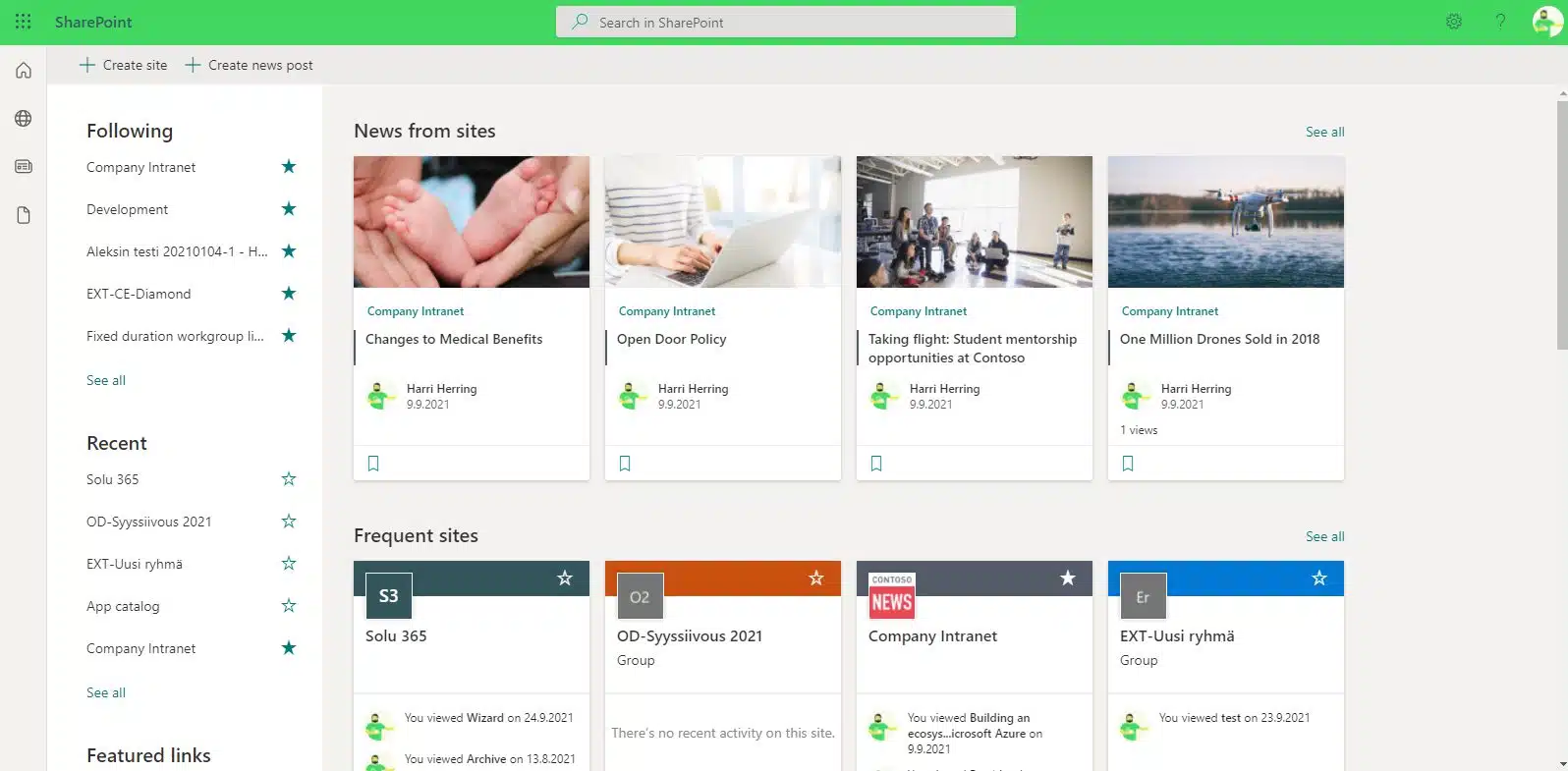
Our SharePoint training helps all personnel take advantage of SharePoint’s versatile features to easily process, share, and store information.

Microsoft SharePoint is a versatile platform for sharing and managing information. In addition, it is a commonly used template for designing an intranet, among other things. SharePoint plays a critical role in many organizations, but you may not be able to use it well enough to make the most of it.

Implementing the use of SharePoint among the personnel of an organization can be challenging. It is also particularly important that the entire organization has the same rules for the use of O365, that is, procedures for using SharePoint, to work efficiently, transparently, and securely.

Tailored SharePoint training to the needs of your organization

SharePoint training is beneficial for all personnel because it makes it easier to process, share and store information and everyone knows to operate in the same way.

 In the training, you will learn, for example, to store and sort information and to use version control and different views. In addition, you also get Teams training from us.

Our training is hands-on and people-oriented so that every member of the organization, regardless of role, can effectively learn to be a master user of SharePoint. Together, we will tailor training to completely suit your needs.

Our Microsoft-certified trainers provide training in face-to-face and remote training sessions. In our training, we consider the COVID-19 recommendations and regulations in force at the time.

In our hands-on training, every member of your organization learns to use SharePoint and Office 365 tools effectively in their own work. This saves users time and allows them to focus on what is essential in their work tasks.
The structure and content of the training sessions will be planned and implemented as you wish, such as:

SharePoint training topics

Our training can include, for example, the following topics, and they can be combined to suit your needs:

Sharepoint training

Teams and SharePoint, separate and together

OneDrive for Business

Correct use of PowerPoint

Compilation of tips for Excel

Asiakkaidemme kokemuksia

Check out our customer stories

Read more articles by our experts

Agile software development

Software requirements specification is often a long and costly process, when in fact there are only a handful of key features in a successful application.

Manage your SharePoint-environment like a pro

SharePoint environment should be grown with caution. Proactive behaviour, good dialog with partners, transparency and clear division of responsibilities ensure the quality of the end result.

Office 365 Groups Revisited

Microsoft will re-invent productivity and business process to help businesses coping with explosion of digital systems and data.

Leading developer of digital teamwork