- / Solutions
- / Microsoft Teams and Solu 365 solutions for teamwork
Most powerful knowledge management solutions
Solu Digital provides knowledge management and analysis models for today’s complex businesses.
Microsoft Teams and Solu 365 solutions for teamwork
Solu 365® for Teams group automation
Organize the work of your organization clearly:
-
Teams creates structures for the organization’s work based on, for example:
- functions,
- business units,- or projects. -
Teams organizes group-specific work based on, for example:
- topics,
- processes or their stages,- or the life cycle stages of projects.
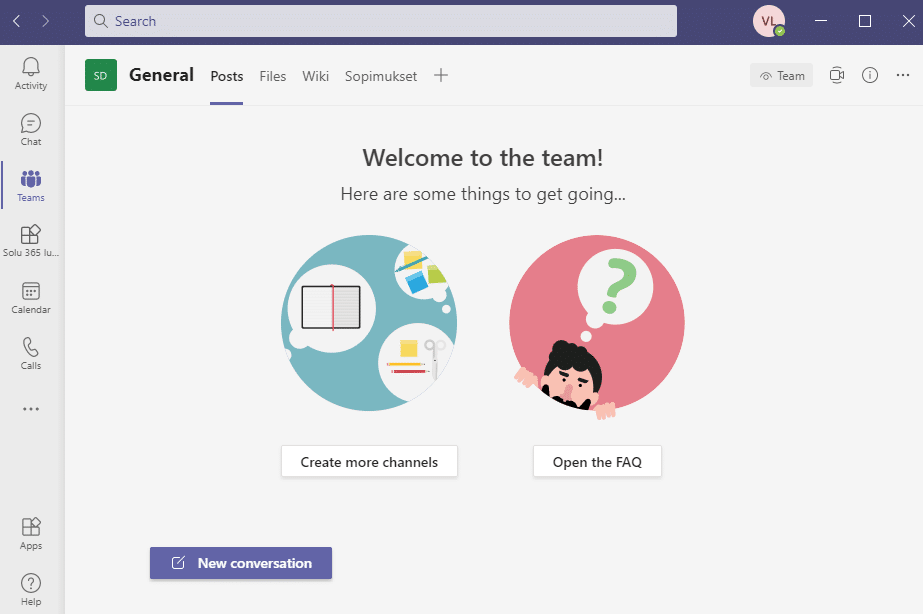
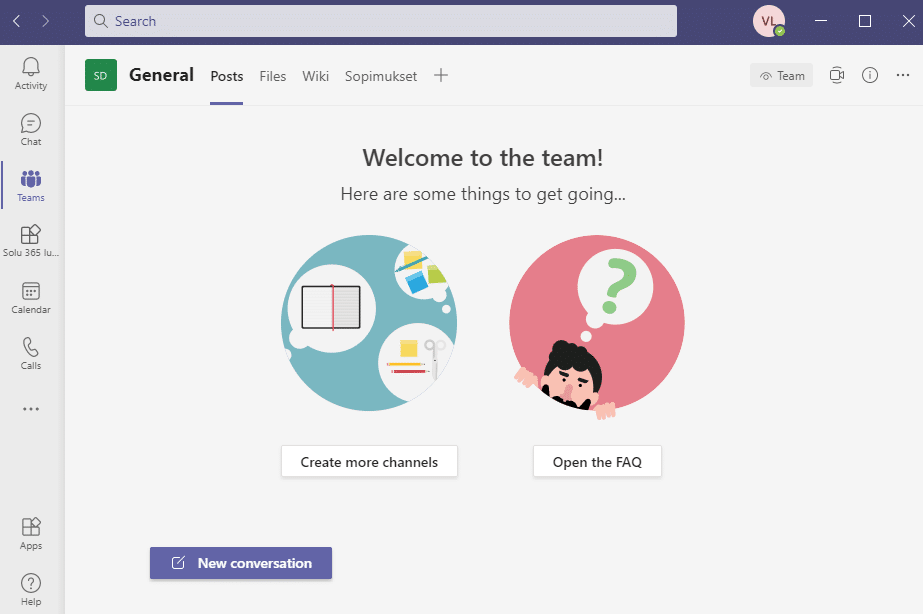
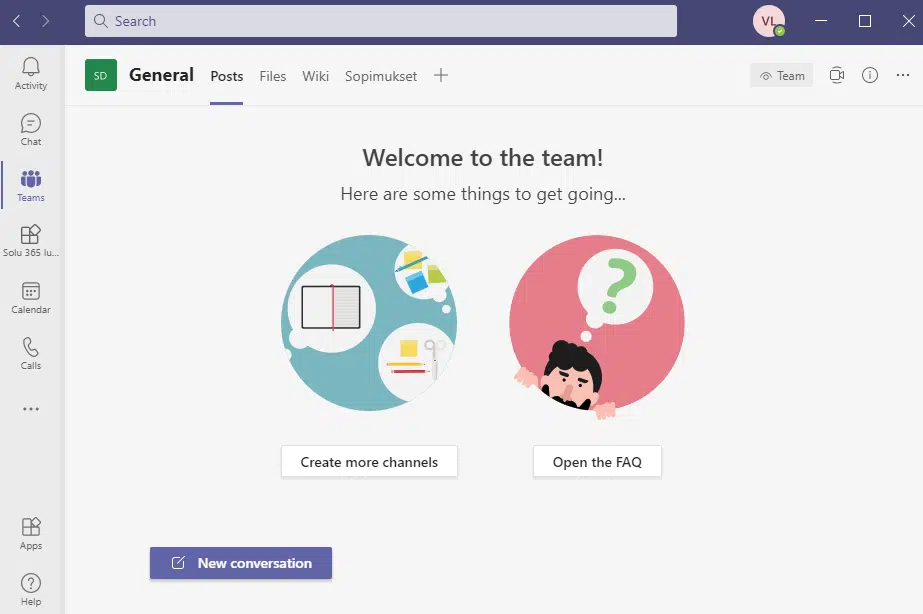
Microsoft Teams is a center of knowledge work. Teams is a teamwork environment where documents, tasks, and memos locate. In addition, conversations and online meetings are recorded in Teams. It is also possible to integrate other resources and applications into Teams, so that all virtual work is focused on one platform.
Solu 365® is an automation tool for Teams groups that simplifies the creation of teams to support your organization’s common procedures and improves security.
Centralize your organization’s information management with Microsoft 365 services:
- The information is located in Office 365 and is processed via Microsoft Teams interface:
- - Documents, including agreements in SharePoint
-
- Work on documents directly in Teams, SharePoint or Office 365
- - Reports in Power BI
- - Project portfolio and project scheduling and resourcing in Project for the Web
- - Automation applications developed with Power Platform, for example:
-
- for HR processes,
-
- as a sales tool for creating offers and contracts and for pricing, to report anomalies and near misses.
“The best thing about working with Solu Digital has been the flexibility and their ability to get inside our operations – to adapt this ready-made system to our needs.”
“Solu Digital’s references and understanding of our needs impressed us, and so broader Office 365 solutions were added to the picture. The decision to co-operate with Solu Digital came about quickly.”
Download Microsoft Teams guides
Download our guides to smooth Teams group management and make your organization’s virtual work easier. Leave your contact information and we will send the guides to your email.
Teams makes work more efficient
Microsoft Teams enables you to work as a community, regardless of time, location, or device, making it easier and faster, since:
- information availability, findability and manageability are improved
- the work of teams and the entire work community becomes more transparent
- the flow of information and operating methods are clarified
- the tools support inclusive collaboration with the organization’s employees and stakeholders
- security and information management risks are reduced
Deployment of Teams flexibly to suit your needs
We tailor the deployment of Teams to meet the needs of your organization according to different stages:
- Defining the use of Teams in an organization
- Teams utilization practices as a playbook to support employee work
- Defining a Teams management model to support the work of an organization’s IT department
- Technical implementation
-
Migration
- We transfer documents to SharePoint or Teams using the best tools and methods. - Deployment
- Training or workshops for the effective use of Teams
- Roadmap for the development of Teams as part of the organization’s work
“Now everything really works regardless of location and device, which means that doing work has become more flexible in a certain way. Today, automation does many things that we had to do manually in several different places, so in a certain way the time spent on that work has decreased and become easier.”
“When Office 365 came, we got the feeling that we needed a partner with experience in setting up such environments already, and from Solu Digital we found one.”
Solu 365® automation tool makes Teams groups management easier
Simplify, speed up and streamline the project creation process
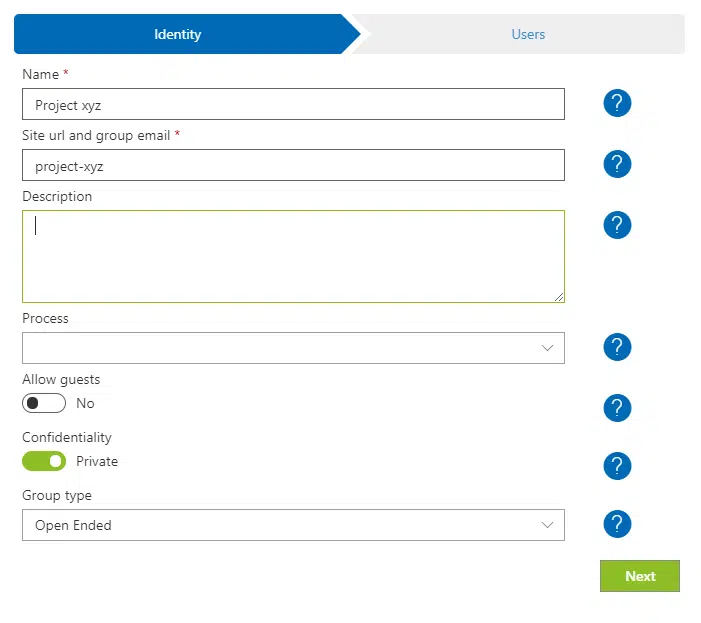
Solu 365® automation tool increases the manageability and transparency of Microsoft Teams groups. At the same time, setting up workgroups will be simplified, and security will be improved. The tool provides a group creation form and a portfolio view for all Teams groups in the organization.
With workgroup automation and group portfolio view:
- The number of Teams groups does not grow too large
- No double groups are created for the same purpose
- Security is enhanced when access to external users is restricted to certain Teams groups.
Easy-to-use Teams group creation form
Solu 365® automation tool creates workgroups suitable for different applications and defines, for example:
- Structure of Teams channels
- Document folder structure
- Document templates, such as reports for consistent work
- Tools such as Planner task repositories or Project for the Web project resources
- An optional deadline for archiving the group, for example when the project ends
The automated workgroup management process ensures that the organization operates in accordance with consistent practices as well as naming and recording policies.
Real-time portfolio view of Teams groups
Manage the groups you own in the real-time portfolio view of Solu 365.

You can easily manage groups throughout your organization in a transparent and secure manner with the Solu 365® solution.
Read more: Automate project management with the Solu 365® tool
“What is particularly positive about the Solu 365® product is how it offers a transparent way of sharing information and communicating. Every member of the organization knows about the internal affairs of the company, in real-time and regardless of location. In our internal communications, we have moved almost entirely from email to Teams channels.”
Take control of your organization’s Teams groups with
Solu 365® workgroup automation.
Our customers' experiences
Juha Nevalainen
Scania Suomi • Sales Director, Scania Services

4.0
Esa-Ville Vanhatupa
IT services of the city of Turku • Project manager

5.0
Juha Sarsama
Panostaja • CEO
Kristian Hartikainen
Business Finland • Senior Advisor

5.0
Mikko Tätilä
Forendo Pharma • Information Technology Manager
Seppo Perkiö
HSL - Helsinki Region Transport • IT Manager
Peter Krause
Transmeri • Development Director, ICT & Digital Services
Tarja Ihalainen
Teknologiateollisuus ry • Jäsenpalvelupäällikkö
Inessa Taneli
Sako Oy • Project manager
Lauri Eskola
SSAB • Application Manager
Inessa Taneli
Sako Oy • Project manager
Jere Penttinen
Boliden Kokkola • Investment manager
Lasse Palminen
Keskisuomalainen • IT director
Marko Salmi
Boliden Kokkola • Digitalization manager